Google NotebookLM Review — The Free AI Research Tool That Turns Your Notes Into Podcasts
Most AI chatbots are allergic to the truth. Ask ChatGPT about a 2022 event and it might confidently fabricate a source. NotebookLM takes the opposite approach — it only answers based on material you upload. It’s a source-grounded RAG tool that cannot hallucinate outside your documents. Launched as a Google Labs experiment called Project Tailwind, it became NotebookLM in 2023 and picked up a devoted following among students, researchers, and writers. On July 16, 2026, Google rebranded it to Gemini Notebook — announced on the Google Workspace blog. The core promise stays the same: upload sources, ask questions, get answers you can trace back to the original text.
If you’ve ever spent hours digging through PDFs, YouTube transcripts, and web articles trying to synthesise a single insight, NotebookLM is built for you. And yes — it can literally turn your research into a podcast.
Key Features
NotebookLM packs surprising capability into a clean interface.
Audio Overviews — The Headline Act
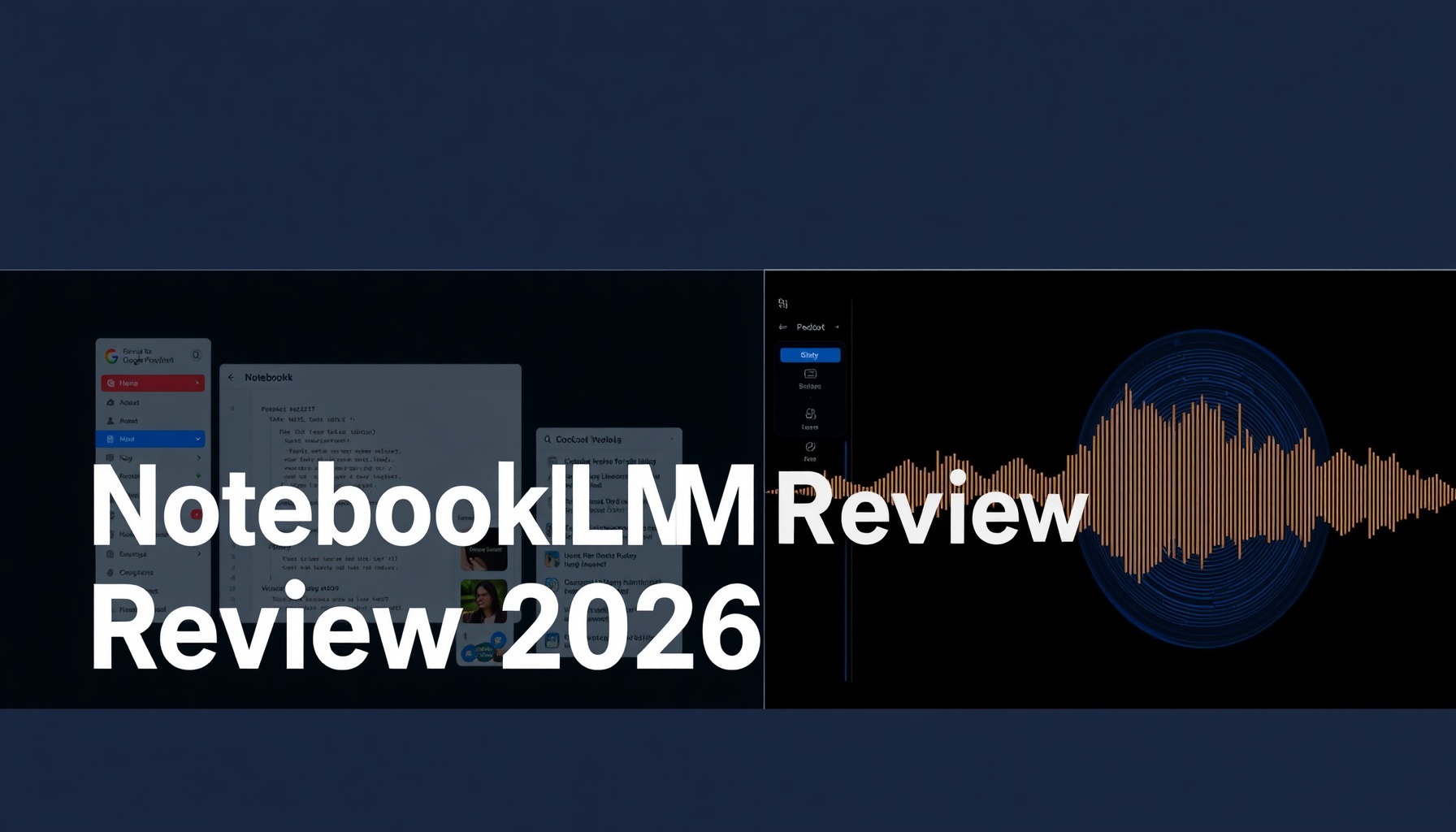
Audio Overviews generate a natural podcast-style conversation between two AI hosts who discuss your uploaded sources. They banter, summarise, and connect ideas. As of 2026, these are now interactive — you can interrupt the hosts in real time to ask clarifying questions, as detailed on the Google Workspace blog. It’s like having two research assistants debate your material while you chime in.
Source-Grounded Q&A
Every answer NotebookLM gives you is tied to a specific passage in your sources. Click any response and it highlights the exact line it came from. This makes it dramatically more trustworthy than general-purpose chatbots for research work [6].
Studio Panel
The Studio panel is where you turn research into deliverables. It can generate:
- Mind maps — visual overviews connecting themes across your sources
- Slide decks — presentation-ready slides pulled from your material
- Flashcards and quizzes — self-test tools that track your progress
- Study guides and infographics — structured summaries in multiple formats
Think of it as a research-to-presentation pipeline that lives inside one tab [3].
Deep Research Agent
Added in mid-2026, the Deep Research agent can autonomously discover and analyse sources from the web, then synthesise findings into reports — announced on the Google Blog. You give it a loose topic and it builds a source repository for you.
Supported Source Types
NotebookLM accepts PDFs, web URLs, Google Docs, Google Sheets, Google Slides, YouTube links, audio files, .docx documents, and images with text. That covers pretty much every format a researcher encounters. Each source can be up to 500,000 words or 200 MB [4].
1M-Token Context Window
The context window is 1 million tokens across all tiers. That’s enough to process multiple long documents — think a full textbook plus several research papers — in a single session.
Cinematic Video Overviews (Paid)
For users on the Ultra tier, NotebookLM generates fully animated video overviews from your sources — complete with motion graphics, voiceover, and visual transitions. Launched March 2026, it’s essentially a text-to-video pipeline trained on your own material [9].
Pricing
NotebookLM pricing is bundled into Google’s AI subscription tiers rather than sold as a standalone product. Here’s the breakdown as of July 2026:
| Tier | Price | Key Limits |
|---|---|---|
| Free | $0 | 100 notebooks, 50 sources/notebook, 50 Q&A/day, 3 Audio Overviews/day |
| Plus | $7.99/mo | 300 notebooks, 150 sources/notebook, 300 Q&A/day, Audio Overviews expanded |
| Pro | $19.99/mo | 500 notebooks, 300 sources/notebook, 1,000 Q&A/day |
| Ultra | $99.99+/mo | 600+ notebooks, 600 sources/notebook, 5,000 Q&A/day, Cinematic Video Overviews |
The free tier is genuinely useful for most beginners. Fifty sources per notebook is enough for a research paper, a book project, or a course’s worth of materials. The 50 daily queries are comfortable for focused study sessions. Three Audio Overviews a day lets you convert your most important sources into listenable podcasts during a commute [7].
Where the free tier starts to pinch is if you’re juggling multiple projects (100 notebooks sounds like a lot, but power users hit it faster than expected) or if you rely heavily on Audio Overviews. Plus at $7.99/mo is the logical upgrade for most people. Pro at $19.99/mo unlocks the full Studio suite with higher limits. Ultra at $99.99+/mo is aimed at professional researchers and content teams who need Cinematic Video Overviews and maximum throughput.
What’s New in 2026
2026 has been NotebookLM’s biggest year. Here are the major changes:
Rebrand to Gemini Notebook (July 16) — the tool is now called Gemini Notebook, though existing users keep their notebooks and all functionality remains unchanged.
Interactive Audio Overviews (early 2026) — interrupt the AI podcast hosts, ask follow-ups, and redirect the conversation mid-episode [5].
Cinematic Video Overviews (March 2026) — paid-tier feature that turns your sources into animated explainer videos with full motion graphics and voiceover [9].
Deep Research Agent (June 2026) — autonomous web research that gathers sources for you, making NotebookLM proactive rather than purely reactive [4].
Gemini 3 Upgrade and Code Engine (June 2026) — the “Better Research” update brought Gemini 3.5 reasoning, a per-notebook secure cloud computer for running code, and the Antigravity agentic framework. You can now run data analysis, generate charts, and export to Excel and PowerPoint directly inside a notebook [8].
New source types and improved Studio Panel — images with text, additional audio formats, mind maps, flashcards with progress tracking, and richer slide deck generation.
These updates have transformed NotebookLM from a “smart document reader” into a complete research workspace. As we covered in our NiteAgent deep dive on AI productivity tools, this kind of agentic shift — where the tool starts doing work for you rather than just responding — is the direction most AI research tools are heading in 2026.
Pros and Cons
Pros
- Free tier is genuinely generous — 100 notebooks, 50 sources each, daily Q&A, and Audio Overviews at no cost. Most beginners never need to pay [7].
- Source-grounded = trustworthy — NotebookLM is one of the few AI tools where you can verify every claim against the original text [6].
- Audio Overviews are unique — no other tool produces interactive, research-grounded podcasts you can interrupt and redirect.
- 8+ source types — PDFs, YouTube, audio, Google Workspace files, web links, images.
- Privacy — Google does not use your uploaded sources for model training.
Cons
- 50-source cap on free tier — power users on literature reviews will hit this limit quickly.
- Audio Overviews lack citations — the AI hosts don’t cite specific sources during conversation.
- US and English-centric — the tool works best with English-language sources.
- No dedicated mobile app — NotebookLM works in mobile browsers but no native iOS or Android app.
- Some features are paid-only — Cinematic Video Overviews and expanded limits sit behind paywalls.
If you’re building a custom AI research pipeline — something we explored in our CodeIntel series on developer tooling — the lack of a robust API for free users is also worth noting. And for those looking to integrate AI research into smart workflows around the home or office, our SmartHomeFieldGuide has covered how source-grounded AI assistants like NotebookLM are quietly reshaping how we manage technical documentation and device manuals.
Competitors
NotebookLM sits in a unique spot, but it’s not without alternatives:
ChatGPT and Gemini are better for general-purpose tasks — creative writing, brainstorming, casual chat. But they hallucinate more and don’t ground answers in your sources.
Perplexity excels at web-native research with live citations. But you can’t upload a library of PDFs and YouTube transcripts and ask questions across them all. Perplexity explores the web; NotebookLM understands what you already have.
Open Notebook is a free, open-source alternative with similar source-grounded Q&A. It’s powerful but requires technical setup — something we covered in our NoCodeInsider guide to bridging low-code and open-source. Most beginners will prefer NotebookLM’s polish.
Granola and Otter.ai are meeting-focused AI note-takers. They overlap with NotebookLM’s audio transcription but aren’t designed for deep multi-source research.
ElevenLabs GenFM generates AI podcasts too, but lacks NotebookLM’s source-grounded research engine. It’s a better audio studio; NotebookLM is a better research tool that happens to make audio.
Notion AI has a stronger ecosystem (wiki, docs, project management) but weaker research capabilities and no equivalent to Audio Overviews.
Score Breakdown
| Dimension | Score | Notes |
|---|---|---|
| Ease of Use | 9/10 | Upload sources, click ask. The Studio panel could be better labelled, but the core flow is intuitive. |
| Features | 8/10 | Audio Overviews, Deep Research, Studio Panel, multi-source Q&A — genuinely broad. Loses a point for missing mobile app and limited cross-notebook search. |
| Performance | 9/10 | Rarely lags, responses are fast, the 1M-token context handles large documents smoothly. |
| Documentation | 7/10 | Google’s help docs are adequate but scattered. The rebrand to Gemini Notebook has temporarily split documentation across URLs [1]. |
| Support | 6/10 | No live support on free tier. Paid users get Google Workspace support channels. Community forums are active but unofficial. |
Overall: 7.8/10 — A genuinely innovative tool that’s remarkably generous on the free tier, held back mainly by limited support and the lack of a mobile app.
Verdict
NotebookLM (now Gemini Notebook) is the best free AI research tool available in 2026 for anyone who needs to deeply understand source materials. If you’re a student writing a thesis, a researcher conducting a literature review, a content creator researching a topic, or a professional preparing a report — and you want answers you can actually verify — NotebookLM is your tool.
It is not ideal for general chatting, creative writing, or anything that needs a model to generate freely without source grounding. Use ChatGPT or Gemini for that.
The free tier is more than enough to decide if the tool fits your workflow. Start there. If you hit the limits, $7.99/mo for Plus is a fair price for what you get.
📊 See how NotebookLM compares to ChatGPT, Perplexity, and other AI research tools →
Sources
- NotebookLM official site — product page
- Google Workspace blog: NotebookLM now Gemini Notebook — rebrand announcement (July 16, 2026)
- Gemini Notebook product page
- Google Blog: Deep Research and new file types
- Google Workspace blog: Interactive Audio Overviews
- Elephas: What is NotebookLM
- AI Agent Rank: NotebookLM Review 2026
📖 Related Reads
- ToolBrain — tool reviews, LLM comparisons, and AI workflow guides
- NoCode Insider — AI workflow automation with no-code tools, agents, and APIs
- NiteAgent — AI agent development, frameworks, and production patterns
Cross-links automatically generated from None.
Back to all posts