Perplexity AI Review 2026 — The AI Search Engine That Actually Cites Sources
If you’ve used a chatbot in 2026, you’ve probably already heard of Perplexity. It’s the AI-powered search engine that exploded in popularity by doing one thing differently: it actually shows you where it got its answers.
Google has AI Overviews. ChatGPT has web search. But Perplexity was built from day one as a research-first tool, and that focus still sets it apart. I’ve been using Perplexity Pro as my daily driver for the last three months, and here’s my honest take on where it shines, where it falls short, and whether the $20/month Pro tier is actually worth it.
What Makes Perplexity Different
Perplexity is not a chatbot that happens to have search. It’s a research engine that uses LLMs to synthesize answers from live web sources. Every response comes with numbered footnotes — click any one of them and you’re taken directly to the source page. This is a fundamentally different mental model from ChatGPT or Claude, where the answer appears as a black-box generation that you simply trust or don’t.
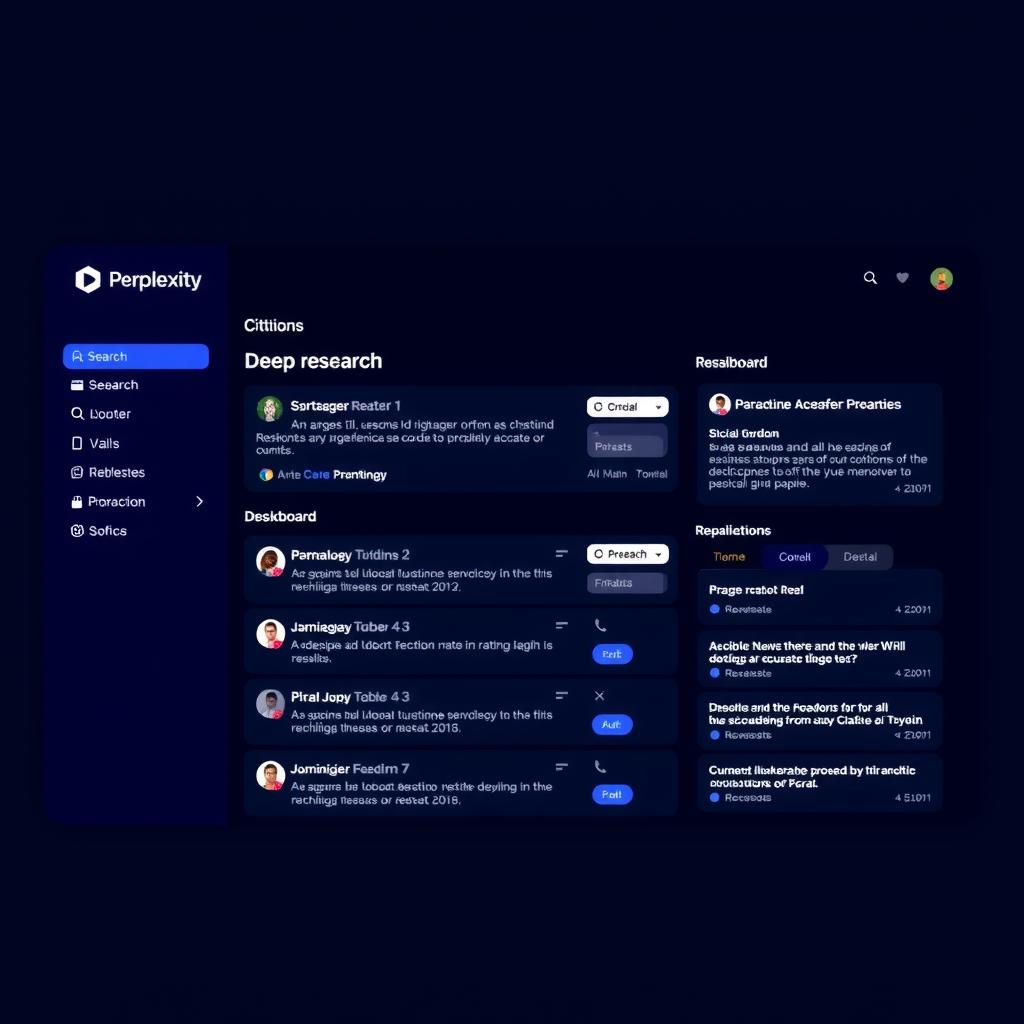
The interface is clean and minimal: a search bar, a “focus” dropdown (All, Academic, Writing, Math, Video, Social), and a toggle for Deep Research. You type a question, and within seconds you get a paragraph-length answer with a half-dozen citations. It feels like having a research assistant who works at internet speed.
Deep Research: The Killer Feature
Deep Research is Perplexity’s standout feature, and it’s the reason many professionals pay for Pro. Instead of a quick paragraph, Deep Research performs an autonomous multi-step investigation: it runs dozens of searches, reads hundreds of pages, reasons through contradictory information, and produces a structured report that can run 2,000-5,000 words.
I asked it to research “the state of AI agent memory systems in 2026” and got back a report with six sections, thirty citations, and a table comparing vector databases. The whole process took about three minutes. Doing that research manually would have taken me an afternoon.
Deep Research was upgraded in early 2026 and now achieves state-of-the-art scores on leading research benchmarks, outperforming comparable deep research tools from OpenAI and Google on several metrics.
The catch? It’s slow. A full Deep Research run takes 2-5 minutes, and you can’t really use Perplexity for anything else while it’s working. It’s a batch process, not a conversational tool. But for the output quality, the wait is usually worth it.
Spaces, Collections, and Pages
Perplexity has layered on several organizational features that make it more than a search bar:
Spaces are collaborative project folders where you can upload files, set custom instructions, and keep all your research in one place. You can create a Space for a specific project, upload PDFs and meeting notes, and then ask questions that draw on both your private documents and the live web. For team use, Spaces support sharing and permissions.
Collections are lighter-weight groupings for saving and organizing individual queries and responses. Think of them as bookmarks with context — you can revisit any past research thread and continue the conversation.
Pages let you turn any Perplexity thread into a shareable, formatted article. It’s a nice touch for researchers who want to share findings with colleagues without copy-pasting screenshots.
Model Choice: Pick Your Engine
One of the most underrated features of Perplexity Pro is the ability to choose which LLM powers your search. You can switch between:
- GPT-4 (OpenAI) — Best for creative synthesis
- Claude 4 Sonnet (Anthropic) — Best for nuanced reasoning
- Gemini 3 Flash (Google) — Best for speed
- Llama 4 Maverick (Meta) — Best open-weight option
- Sonar (Perplexity’s own) — Optimized for search-grounded answers
This flexibility is huge. I use Sonar for quick factual queries (it’s fastest), Claude for analysis, and Deep Research (which uses a combination) for heavy lifts. Being able to choose rather than being locked into one model is a genuine advantage over ChatGPT Search or Gemini’s built-in search.
Pricing Breakdown
| Tier | Price | What You Get |
|---|---|---|
| Free | $0 | Basic AI search, limited Pro queries/day, limited uploads |
| Pro | $20/mo | Unlimited Pro queries, Deep Research, model choice, 500 uploads/day |
| Pro Annual | $200/yr | Same as Pro, ~17% discount |
| Enterprise | $40/user/mo | Shared Spaces, admin controls, team management |
| Enterprise Max | $325/user/mo | Unrestricted Labs access, priority support, max performance |
The free tier is useful for casual testing, but you’ll hit the Pro query limit fast if you use Perplexity more than a few times a day. The $20/month Pro plan is the sweet spot for anyone who does regular research.
Enterprise at $40/user/month is competitive for teams, but $325/user/month for Enterprise Max is squarely aimed at hedge funds, law firms, and institutions that need unrestricted access.
What’s Missing
Perplexity isn’t perfect, and there are a few pain points worth noting:
Customer support is genuinely bad. Trustpilot shows 1.5 stars out of 670+ reviews, almost entirely over support responsiveness. Users report waiting weeks for replies to billing issues. This is a real risk if you’re evaluating Perplexity for business-critical workflows.
Deep Research speed can be frustrating. When you just need a quick answer, waiting 3 minutes for a comprehensive report is overkill. The standard search mode is fast (2-5 seconds), but the mode switching isn’t always intuitive.
No code execution sandbox. Unlike ChatGPT or Claude, Perplexity can’t run code, analyze data files directly, or generate and execute scripts. It’s a research-and-recall tool, not a computation tool. For data analysis, you’ll still need ChatGPT, Claude, or a dedicated coding tool.
Context window limits. While improved in 2026, Perplexity’s context handling for very long documents is behind Claude’s 200K token window. You can upload files to Spaces, but deep analysis of a 500-page PDF is not its strength.
Who Should Use It
Perplexity is ideal for: Researchers, students, journalists, analysts, and anyone whose work involves finding and synthesizing information from multiple sources. If you spend more than 30 minutes a day searching Google and reading 5+ tabs to answer a question, Perplexity will save you serious time.
Perplexity is not ideal for: Casual users who just want a quick answer to “weather today” or “nearest coffee shop” (use Google), developers who need code execution and debugging support (use ChatGPT or Claude), or teams that need enterprise-grade customer support (factor in the support risk).
Verdict: 8.2/10
Perplexity Pro is the best AI-powered research tool I’ve used, and for its core use case — finding, synthesizing, and citing information from the web — there’s nothing else quite like it. The Deep Research feature alone justifies the $20/month for knowledge workers.
The downsides are real: the free tier is too restrictive for evaluation, support is a known weak point, and it’s a specialized tool rather than a general-purpose assistant. But within its lane, Perplexity delivers exceptional value.
If you research things for a living, Perplexity Pro is an easy purchase. For everyone else, try the free tier first — just know you’ll hit the limits fast.
📊 See how Perplexity compares to other AI tools on ToolBrain
← Back to all posts