Synthesia Review 2026: Is the AI Avatar Video King Still Worth It?
Quick Verdict: Synthesia remains the gold standard for AI-generated corporate video in 2026. With 240+ avatars, 160+ languages, and a stunningly simple text-to-video workflow, it’s the easiest way to create professional talking-head videos without a camera crew. The recent Synthesia 3.0 update (Express-2 avatars) and Dubbing 2.0 push the platform further ahead. However, the price tag — especially at the Creator tier and above — means it’s not for everyone. Overall Score: 8.2/10.
1. Introduction — The AI Video Revolution Is Here
Video content isn’t optional anymore. Whether you’re a startup creating onboarding materials, a marketer pumping out product demos, or a creator building a YouTube audience, you need video. The problem? Traditional video production is expensive, slow, and logistically painful — cameras, lighting, sets, talent, reshoots, editing.
Enter Synthesia. The London-based AI video platform has grown from a niche tool to an absolute powerhouse: 60,000+ teams use it, including 90% of Fortune 100 companies source. With a jaw-dropping $4 billion valuation after its Series E round in January 2026 source, Synthesia is the undisputed leader in AI avatar video generation.
But does it live up to the hype? I spent hands-on time with the platform — from the free tier all the way through the paid features — to give you an honest, no-fluff review for 2026.
2. What Is Synthesia?
Synthesia is an AI video generation platform that lets you create studio-quality videos using AI avatars — no cameras, microphones, or actors required. You type a script, pick an avatar, and the AI speaks your words with natural lip-sync, gestures, and facial expressions.
Founded in 2017 by Victor Riparbelli, Steffen Tjerrild, and Matthias Niessner, the company is based in London, UK. It has raised over $200 million to date, hitting that $4B valuation in early 2026.
The core idea is simple: turn text into video in minutes. It’s aimed at businesses, educators, content creators, and anyone who needs to produce video at scale without the traditional overhead.
3. Key Features
Here’s what makes Synthesia tick in 2026:
240+ AI Avatars — A massive library covering diverse ages, ethnicities, body types, and styles. You’ll find corporate-presenter types, casual creators, and everything in between. Each avatar has realistic micro-expressions and natural movement.
160+ Languages with Lip-Sync — Type in one language, have your avatar speak in another. The lip movements automatically adjust to match the spoken language. This is a standout feature for global teams.
Express-2 Full-Body Avatars (Synthesia 3.0) — Released in October 2025, Express-2 avatars show the full upper body with natural gestures, head movements, and hand motions. They look dramatically more natural than the talking-head avatars of earlier versions source.
Video Agents — This is Synthesia’s most futuristic feature (Enterprise only). Video Agents are two-way interactive videos that can hold real-time conversations with viewers. Imagine a training video that answers questions or a sales pitch that adapts to customer responses.
AI Dubbing (Dubbing 2.0) — Launched July 2026, Dubbing 2.0 delivers frame-accurate lip-sync for dubbed videos, plus voice cloning capabilities source. Upload a video in English, get a perfectly synced version in 29+ languages.
AI Playground — Integrates with Sora 2 and Veo 3.1 to generate custom video backgrounds from text prompts. Need a futuristic office or a tropical beach? Just describe it.
Script Assistant & Screen Recorder — Built-in AI script writer helps you draft from scratch, and the screen recorder lets you overlay avatar narration onto screen captures — perfect for tutorials.
4. Hands-On Experience — Creating a Video in 6 Simple Steps
I signed up for the free tier (yes, it exists — more on that below) and created my first video from scratch. Here’s exactly how it went:
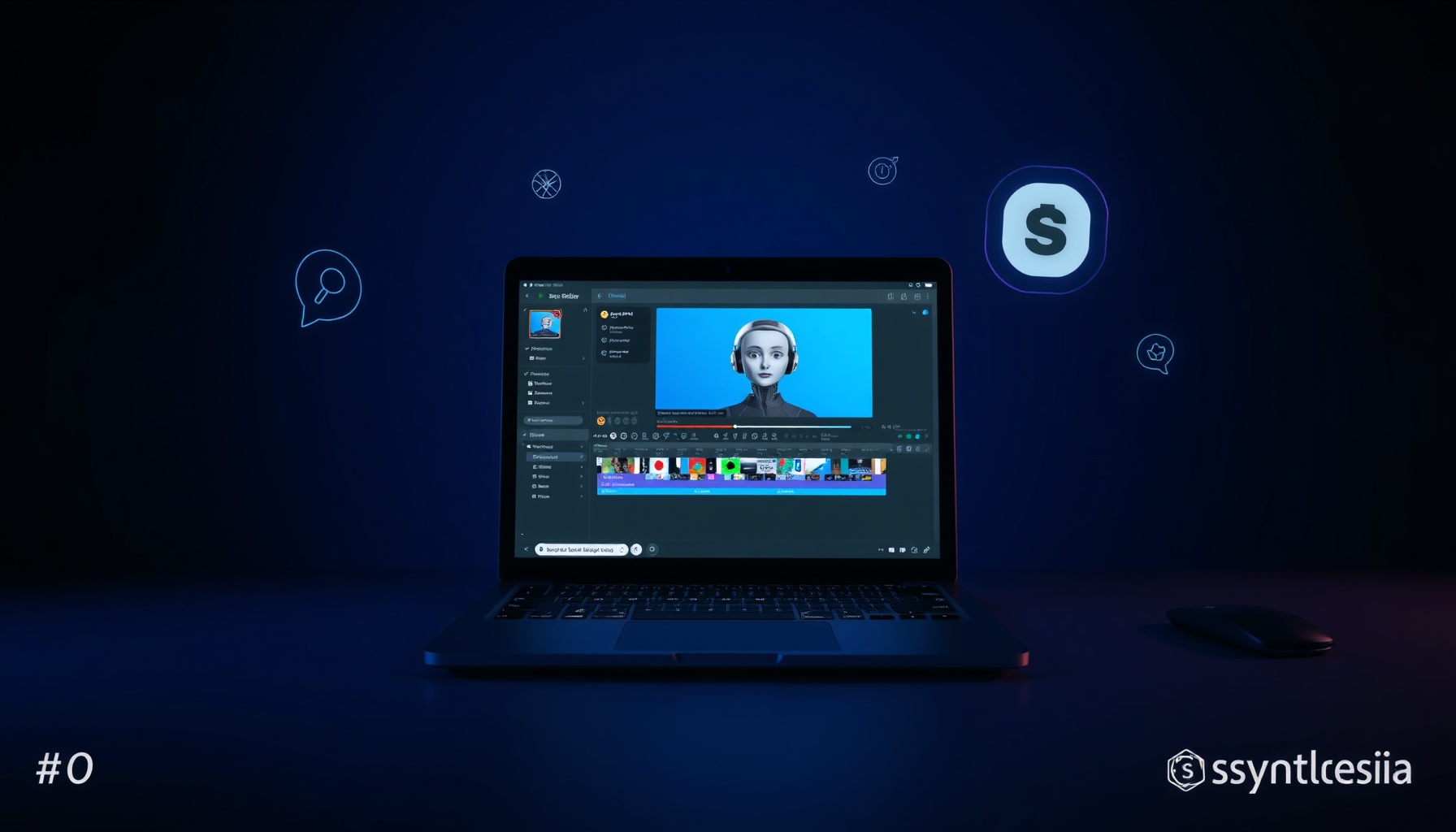
Step 1: Pick a Template — Synthesia offers dozens of pre-built templates for explainers, product demos, social clips, training modules, and more. I chose a blank canvas to get the full experience.
Step 2: Choose an Avatar — I browsed the avatar library. The search and filter system is excellent — you can filter by age, ethnicity, style (professional/casual), and even by clothing. I picked a professional presenter avatar.
Step 3: Write Your Script — This is the text-to-video magic. You type (or paste) what you want your avatar to say. There’s a script assistant that can help generate copy, but I wrote mine manually. The interface shows estimated video duration based on word count.
Step 4: Add Visuals — You can upload images, video clips, or use the AI Playground to generate backgrounds. I added a few stock-style images. The drag-and-drop timeline editor is intuitive — think Canva for video.
Step 5: Customize Settings — Adjust avatar position, background color, add text overlays, background music, and transitions. The editor is responsive and every change previews in real time.
Step 6: Generate and Export — Hit “Generate.” My 60-second video took about 3 minutes to render on the free tier (paid tiers are faster). The output was a clean MP4 with decent resolution.
The verdict on workflow: The learning curve is nearly flat. Anyone who’s used Canva, PowerPoint, or any modern creative tool will feel at home. The whole process feels polished, and the 6-step flow is exactly as advertised.
5. Pricing Breakdown
Synthesia’s pricing has evolved. Here’s the latest as of July 2026:
| Plan | Price (Annual Billing) | Key Features |
|---|---|---|
| Free | $0 | 1 video, 3 min max, watermark, 140+ avatars, 60+ languages |
| Starter | $18/mo | Unlimited videos, no watermark, 140+ avatars, 60+ languages |
| Creator | $64/mo | 240+ avatars, 160+ languages, HD export, priority support |
| Enterprise | Custom | SSO, custom avatars, API access, Video Agents, unlimited minutes, dedicated CSM |
The value analysis: The Free tier is genuinely useful for testing — you can make one real video and see the quality before committing. The Starter plan at $18/mo is affordable for solopreneurs and small teams. The Creator plan at $64/mo is where the platform delivers its full capabilities, but it’s a jump. Enterprise pricing is opaque, as expected.
Worth noting: HeyGen and Colossyan are cheaper at scale for some use cases source, so if you’re producing hundreds of videos on a tight budget, it’s worth cross-shopping.
6. Pros and Cons
✅ Pros
- Incredibly easy to use — If you can type, you can make a video. No technical skills required.
- Huge avatar library — 240+ avatars covering real diversity in age, ethnicity, and style.
- Excellent language support — 160+ languages with actual lip-sync, not just voiceover.
- Express-2 avatars look great — The full-body avatars with natural gestures are a big leap forward from earlier generations.
- Regular feature updates — Synthesia 3.0, Dubbing 2.0, and AI Playground all landed within 12 months. The team ships fast.
- Trusted by enterprise — 90% of the Fortune 100 uses it. That’s a strong signal for reliability and compliance.
- Free tier available — You can try before you buy with no credit card.
❌ Cons
- Expensive at scale — The Creator tier ($64/mo) is the real entry point for full features, and it adds up quickly for larger teams.
- Avatars still aren’t perfectly human — While Express-2 is impressive, close inspection shows slightly unnatural eye movements and occasional stiff gestures. It’s good, but not indistinguishable from real humans.
- Limited creative control — You’re working within Synthesia’s template system. If you want true cinematic custom animation, you’ll need traditional tools.
- Free tier is very limited — One video with a watermark and 3-minute cap is barely enough for a proper evaluation.
- Video Agents are locked to Enterprise — The interactive Video Agents feature is arguably the most innovative, but only available at the custom-pricing tier.
7. Scorecard
| Dimension | Score | Notes |
|---|---|---|
| Ease of Use | 9/10 | Intuitive text-to-video workflow, Canva-like interface, minimal learning curve. |
| Features | 9/10 | 240+ avatars, 160+ languages, Video Agents, Dubbing 2.0, AI Playground — incredibly feature-rich. |
| Quality | 8/10 | Best-in-class corporate avatars with solid micro-expressions, but still not fully photorealistic. |
| Value | 7/10 | Free tier is helpful; Starter is fair; Creator tier gets pricey. Competitors undercut at volume. |
| Support | 8/10 | Knowledge base is thorough; priority support on Creator+; dedicated CSM on Enterprise plans. |
🏆 Overall Score: 8.2 / 10
Synthesia lands a strong 8.2 thanks to best-in-class ease of use, an unmatched avatar library, and rapid innovation. It loses points on value (competitors are cheaper for bulk production) and quality (avatars aren’t quite human-perfect yet).
8. Verdict — Who Should (and Shouldn’t) Buy Synthesia
✅ Get Synthesia if you are:
- A marketer or content creator who needs to produce professional talking-head videos at scale — weekly or even daily.
- A training or L&D professional — Synthesia is arguably the best tool for corporate training videos, onboarding modules, and compliance content.
- A small business owner who wants to add video to your marketing without hiring a production team.
- A global team — If you need the same video in 10+ languages, the dubbing and multi-language features alone justify the cost.
❌ Skip Synthesia if you are:
- A hobbyist or casual creator — The free tier is too limited, and the paid tiers are overkill if you need one video per month.
- On a tight budget producing high volume — Look at HeyGen or Colossyan if you need hundreds of videos at lower per-video cost.
- Looking for photorealistic, cinematic avatars — Synthesia is great, but no AI avatar platform has fully crossed the uncanny valley yet. If perfection matters, hire a real actor.
- Already have an established video production pipeline — Synthesia shines when you have no video setup. If you already have cameras, talent, and editors, it might duplicate rather than replace.
📊 See how Synthesia compares → Synthesia Alternatives & Comparisons
📖 Related Reads
- ToolBrain — tool reviews, LLM comparisons, and AI workflow guides
Cross-links automatically generated from None.
Back to all posts